Browser OCR
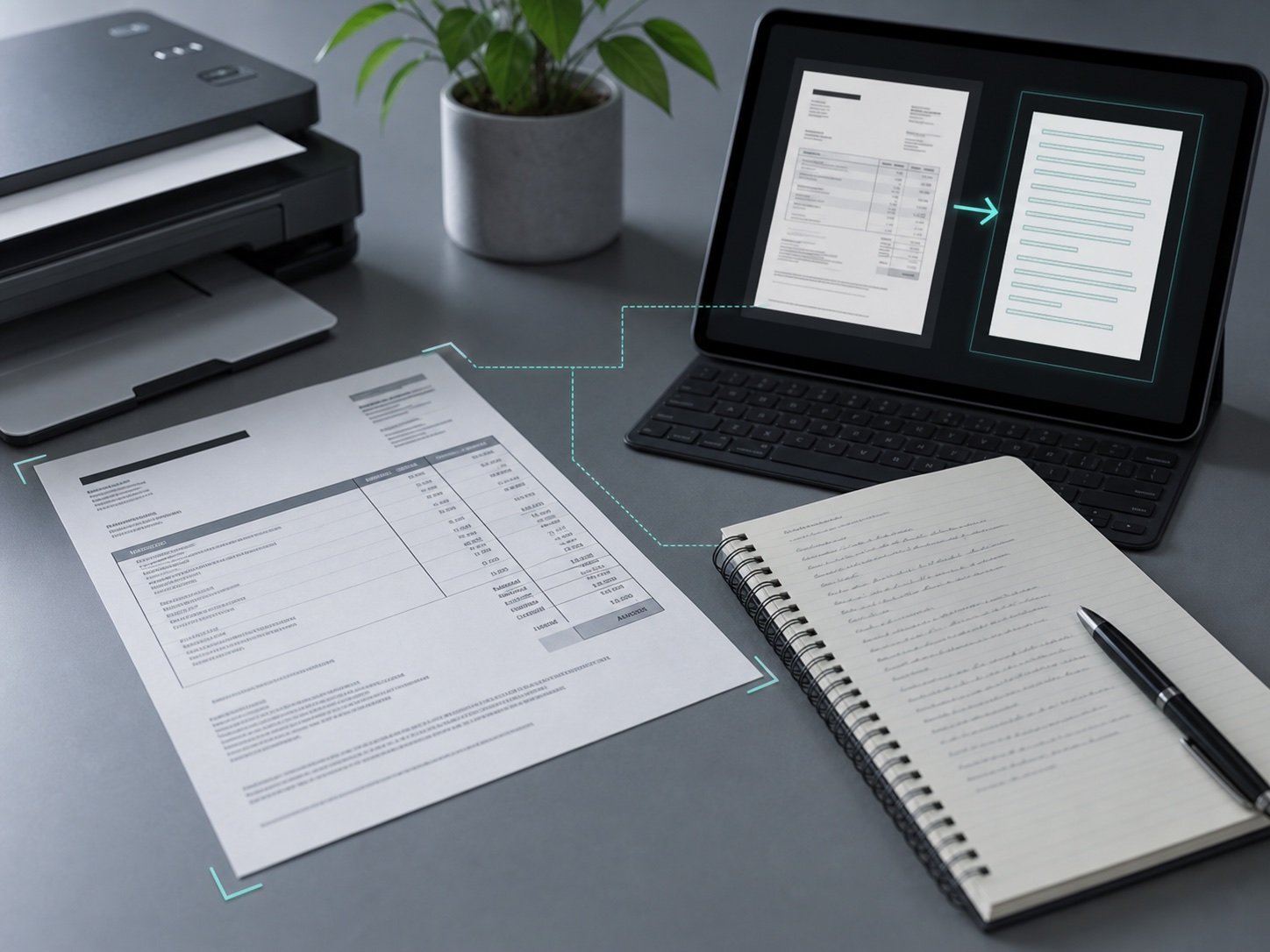
Free Image to Text OCR
Upload an image and extract editable text in your browser.
Preparing OCR
0%
File preview appears here
A focused OCR tool, not a signup funnel
The first job is simple: convert an image into text quickly, then explain formats, privacy, and PDF limitations clearly.
Immediate output
Run image OCR directly in the browser and copy the result without creating an account.
Transparent scope
Image OCR is live. The PDF page is a guide until server-side PDF OCR is shipped.
Supported files
Best results come from clear JPG, PNG, and WEBP images under 10 MB.
Useful exports
Copy OCR text or download a TXT file for notes, spreadsheets, research, and admin work.
Privacy needs to be visible before upload
OCR users often upload sensitive documents. The site should explain file handling, browser processing, cookies, and advertising disclosures in plain language.
Image OCR runs in the browser demo. Production server uploads should document retention rules.
State that user documents are not used to train models unless a user explicitly opts in.
Before AdSense, disclose cookies, third-party vendors, and ad personalization choices.
Helpful pages for search users
These pages give Google and users clearer context than a single thin tool screen.
Guide
Image to text OCR
How to convert screenshots, scans, and document photos into editable text.
Guide Scanned PDF OCRWhat PDF OCR needs, why image OCR is different, and how to prepare scanned files.
Policy Privacy and cookiesFile handling, browser processing, analytics, and advertising disclosures.
Questions users ask before uploading
Is this OCR tool free?
Yes. The current browser image OCR flow is free for everyday image files.
Which file types work today?
JPG, PNG, and WEBP images are the supported upload types in the live tool.
Does it process PDF files?
Not inside the current browser tool. The PDF page explains the workflow and the server requirements for future PDF OCR.
What makes OCR more accurate?
Use sharp images, high contrast, straight pages, and avoid heavy shadows or blurred screenshots.